IPTV player

Your IPTV,
beautifully organised.

Live channels, films and series from the account you already have — built for the remote, fast on your phone, private everywhere.

Bring your own Xtream Codes account. Koi includes no channels, films or series.
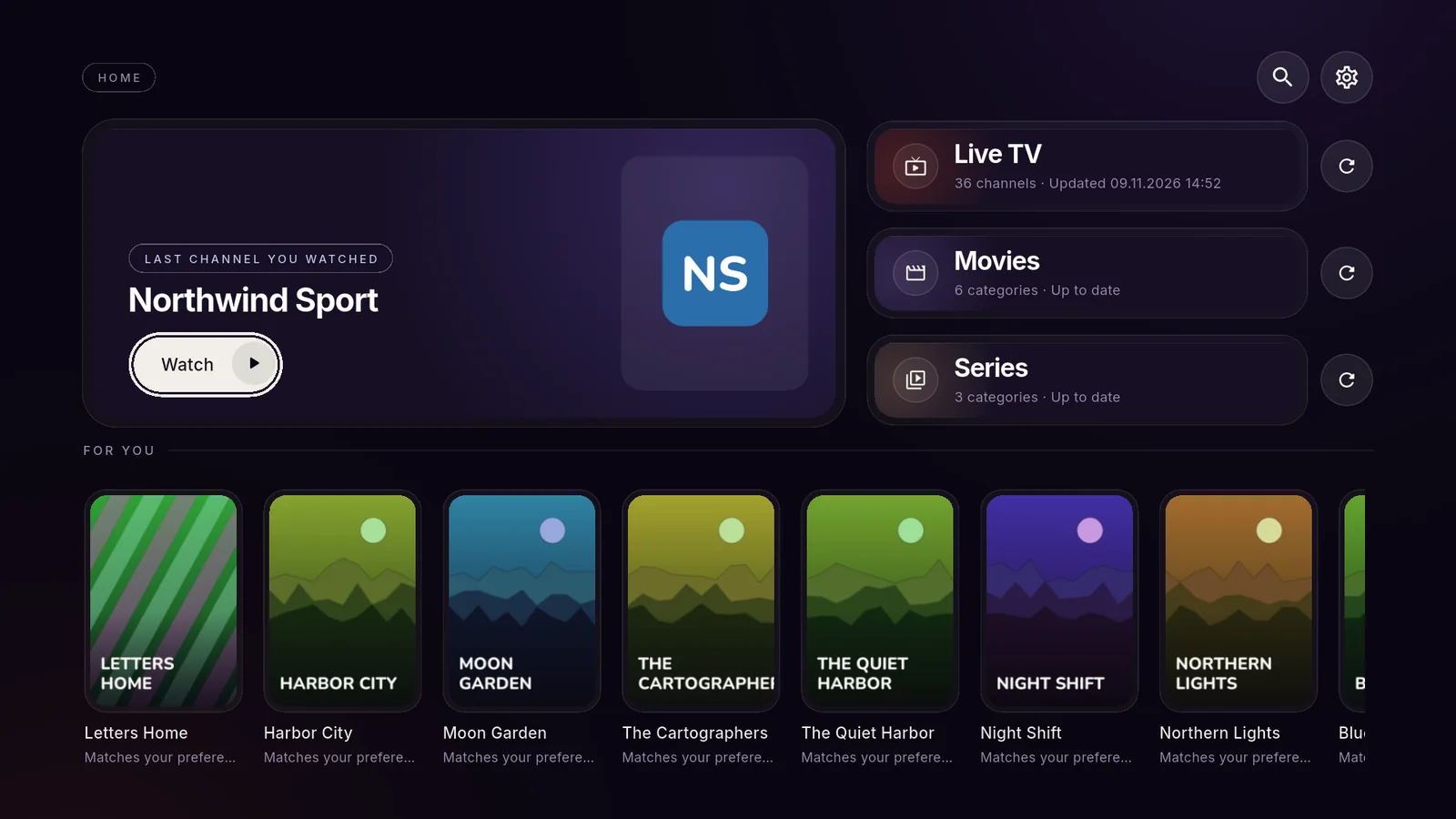
Koi on a TV: the last channel you watched, Live TV, Movies, Series and picks for you
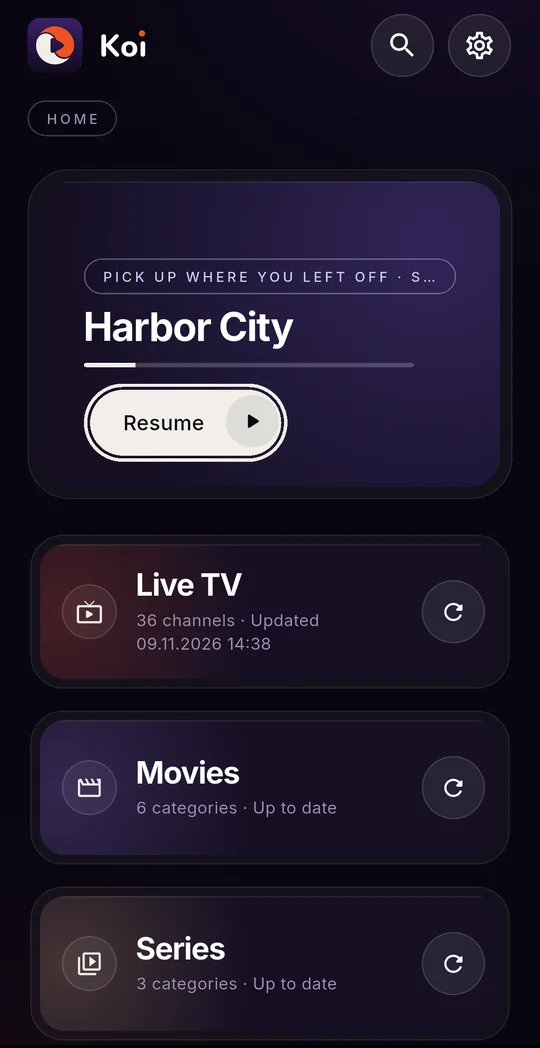
Koi on a phone: pick up where you left off
Google TV & Android TVAndroidiPhoneiPadMac
Live TV

Built for the remote.

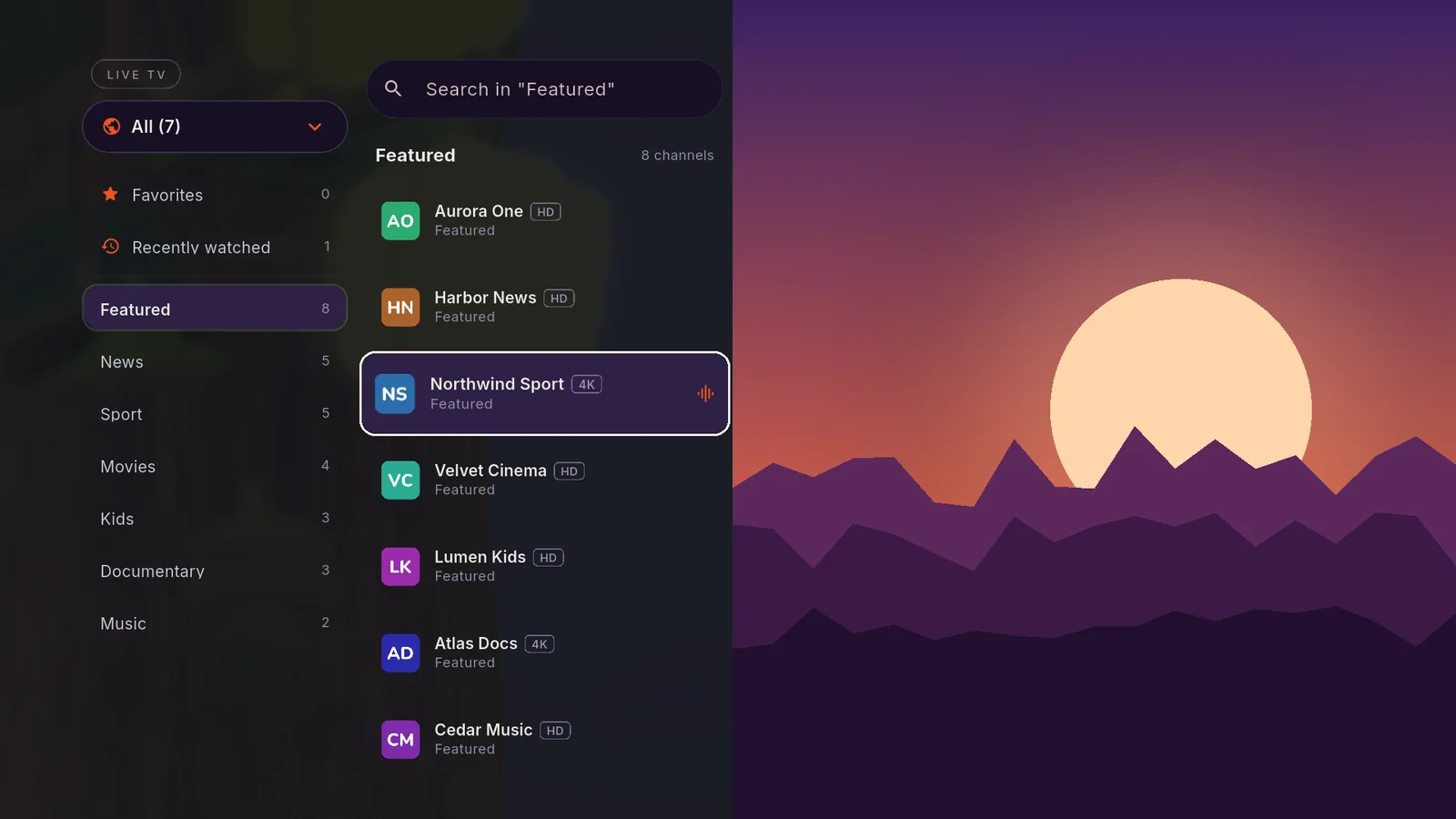
Categories on the left, channels in the middle, the picture right beside them. Every move of the remote lands where you expect it.

  • Favourites and recently watched, one press away
  • Type a channel number, zap with CH+ and CH−
  • Now and next from the guide, catch-up where your provider offers it
Live TV on a TV: categories, channels and the picture
Films & series

Pick up exactly where you left off.

Your provider's films and series, with posters, seasons and episodes — and a home screen that remembers what you were watching.

  • Continue watching across films and series
  • The next episode starts on its own
  • Search every title, filter by language, year and rating
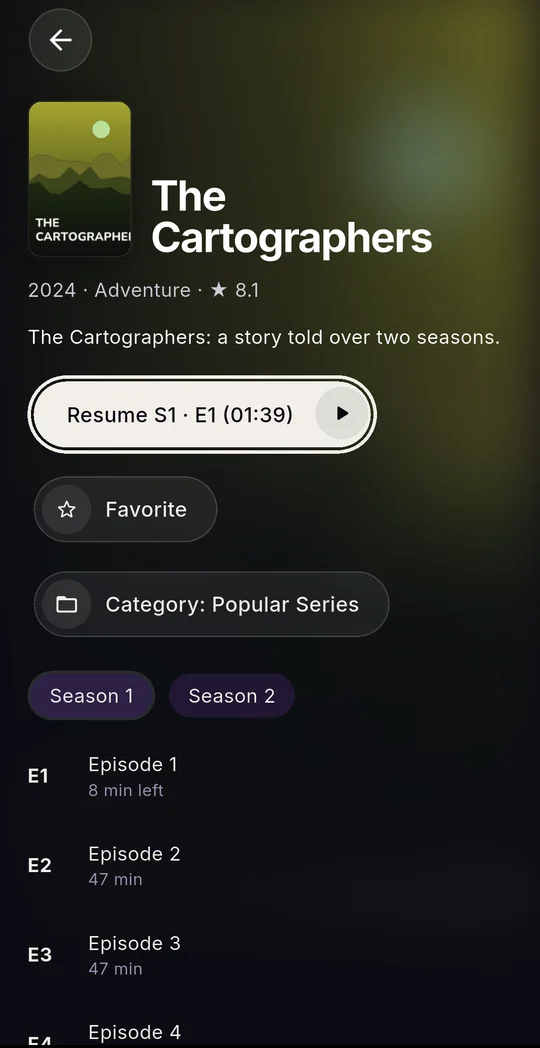
A series page with seasons and episodes
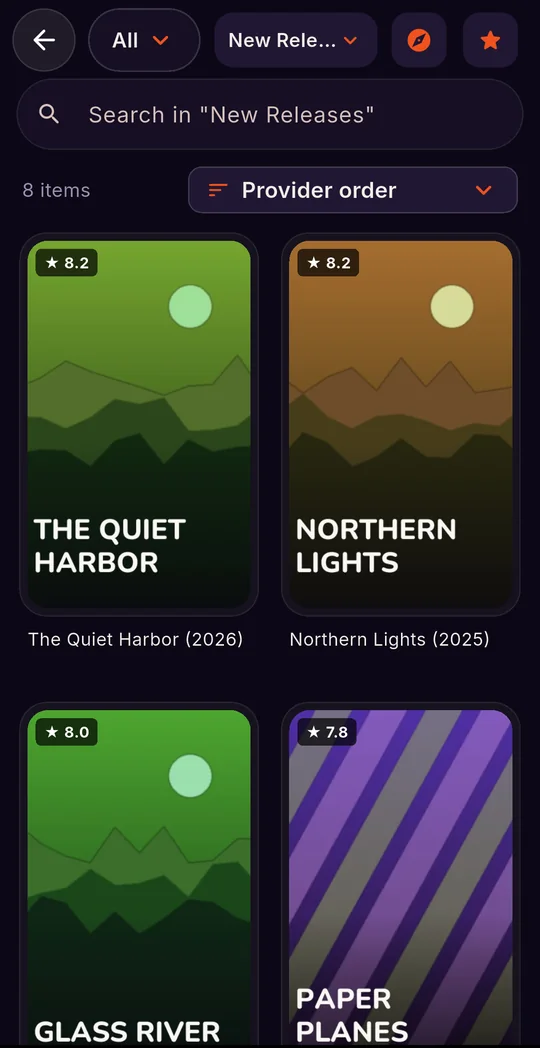
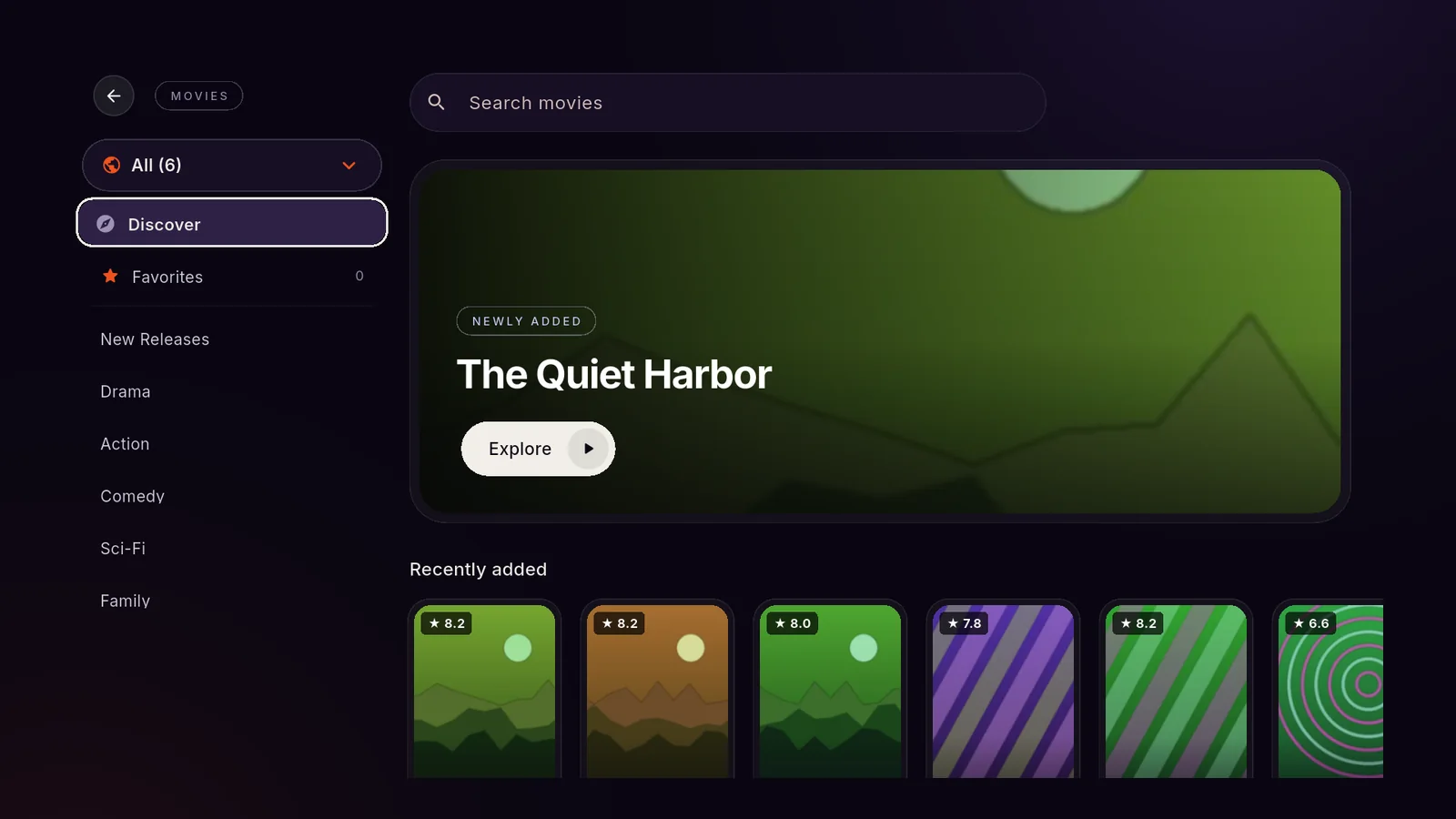
A film category with posters
For you

Find something to watch tonight.

Answer four quick questions and Koi lines up films and series from your own list that fit — then learns from what you watch.

Discover films on a TV
Private by design

Your lists stay yours.

No account with us, no servers in between. Koi talks only to your provider.

No tracking, no ads

No analytics, no ad networks, no account to create. Nothing about you leaves your device.

Parental lock

Lock any category with a PIN. Adult categories never show outside their own list.

Your own order

Hide, rename and reorder categories, rename channels, sort your favourites. Keep several accounts side by side.

How it works

Three steps to your channels.

01

Get Koi

On your Google TV, phone, tablet or Mac. One purchase, no subscription.

02

Add your account

Enter the server, user name and password from your provider — or paste the link they sent. On a TV, add it from your phone.

03

Watch

Your channels, films and series appear in seconds, organised and searchable.

FAQ

Questions

Does Koi come with channels?

No. Koi is a player: it plays the Xtream Codes account you get from your own IPTV provider. It doesn't sell, provide or recommend any content, and isn't affiliated with any provider.

Which devices does it run on?

Google TV and Android TV (televisions, Chromecast with Google TV and TV boxes), Android phones and tablets, iPhone, iPad and Mac.

Is there a subscription?

No. Koi is a one-time purchase in each store — no subscription and no ads.

What do you do with my login?

Nothing — we never see it. Your provider details are stored only on your device, in its secure storage, and sent only to your provider. Read the privacy policy.

Something doesn't play. What can I do?

See Support for quick fixes, or write to support@koiplayer.com.

Your IPTV deserves better.

Coming soon to the App Store and Google Play.

Coming soon on theApp Store
Coming soon onGoogle Play